

 ABI
ABI: Absolute radar
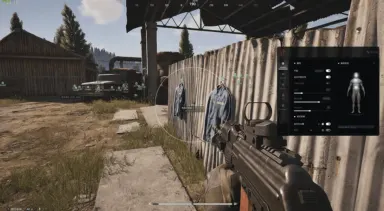
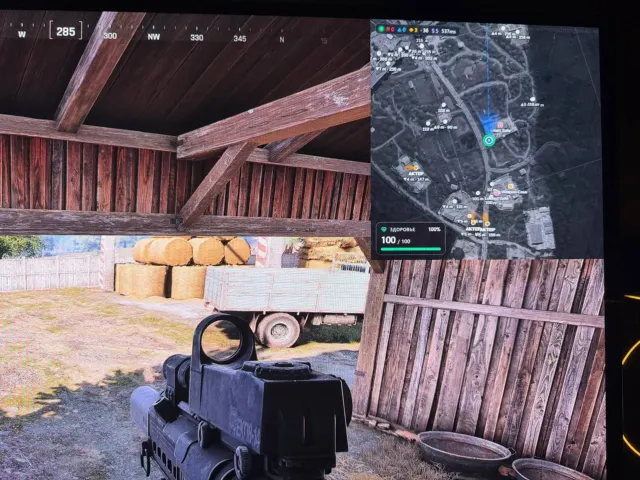
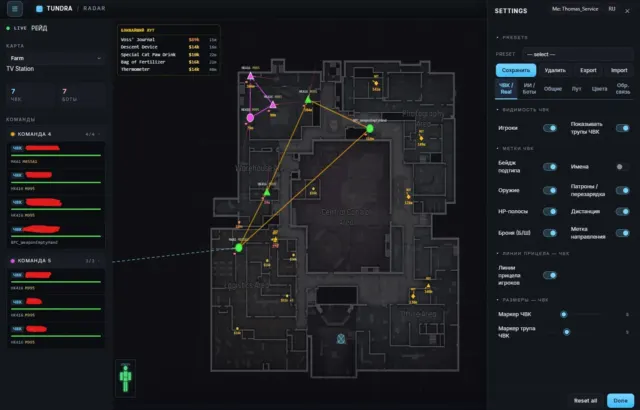
Absolute Radar is an interactive radar for the game, featuring an online map and real‑time settings. Absolute Loader is a program for Windows 10/11 that provides access to an interactive radar with detailed information about the game world: players, bots, loot, and much more. The utility runs on top of the game, is controlled via hotkeys, and can be flexibly configured to suit your playstyle. What you get: Real-time radar — a map displaying players, bots, actors, and loot. The window is opened and closed using the HOME key. Full customization — interface settings (language, theme, brightness, transparency), map settings (scale, rotation, player tracking, floors), player display settings (names, health, weapons, armor, distance), loot settings (items, containers, price, categories), and color schemes. Hotkeys for control — zooming in/out of the map (PageUp/PageDown), moving and scaling the window (Shift + HOME and arrow keys), switching sections (1–7), additional tools (Ctrl + Shift + D). Remote viewing — the ability to open the radar on a phone or another computer using a temporary link (valid for 1 hour, viewing only). Automatic update — the program checks and installs new versions on its own, without requiring a re‑download. Sets of settings — saving and transferring configurations between devices. Diagnostic system — integrated sending of error reports with a call number for quick support. How to get started: Download AbsoluteLoader.exe from your personal account or by following the link from the administrator. Run as an administrator, log in to your account (email and password). Select the product and enter the key, if requested. Wait for the readiness message, launch the game, and press HOME if the radar window is not visible. Important: the operation requires an internet connection and a valid Absolute Loader account. If you encounter connection issues, check your internet, VPN, and system time — or submit a diagnostic test via the login screen.
 Escape from Tarkov
 Rob Run
 PUBG
 Rust
 Dayz
 War Dogs
 Escape from Tarkov: Arena
 VALORANT
 Genshin Impact
 Zenless Zone Zero
 Russian Fishing 4
 Warface